
Search Projects
Quartet takes a project-based approach to organization within the system. When searching, start by selecting either:
- create a new project, or
- select an existing project
The Sandbox is an always-available default project and acts as a quick search environment where strings may quickly be run without having to create a separate project. The Sandbox is pinned to "My recent work" at the top of the Home page.
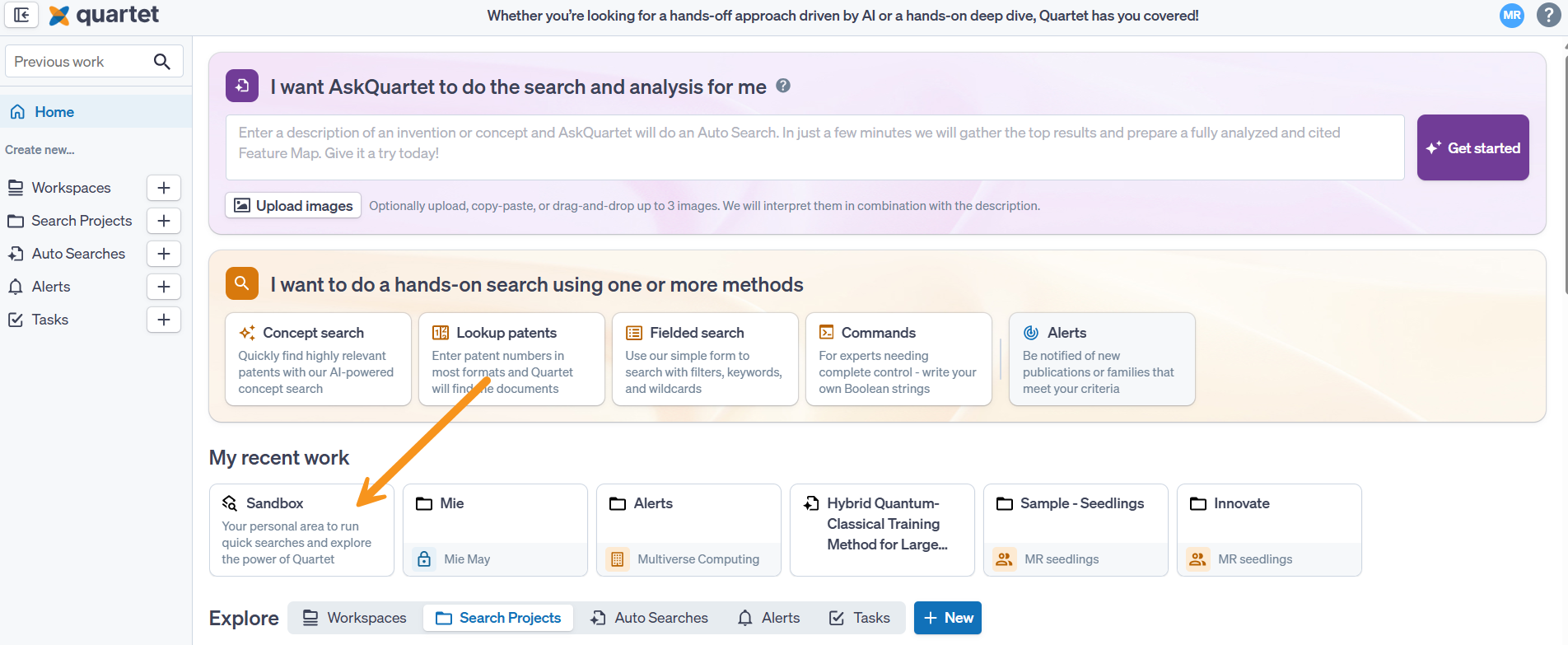
Quartet will automatically save the input and work within each project, such as:
- Timeline (also known as search history)
- Saved references/families
- Highlights, and
- List of seen and unseen results specific to the active project.
This project-based organization allows for freely swapping between projects, pick up and continue with previous projects, and begin new projects knowing that all previous work is automatically saved to each respective project without affecting one another.
Home Page
The Home page allows for switching between and creating new workspaces and search projects.
To create a new search project, click the "+ New" button to the right of the My recent work or the + button next to Search Projects in the navigation pane on the left. Three organizational fields are provided: “Reference,” “Project name,” and “Project description.” Text must be entered into at least one of the “Reference” or the “Project name” fields, but text entry into the “Project description” field is optional.
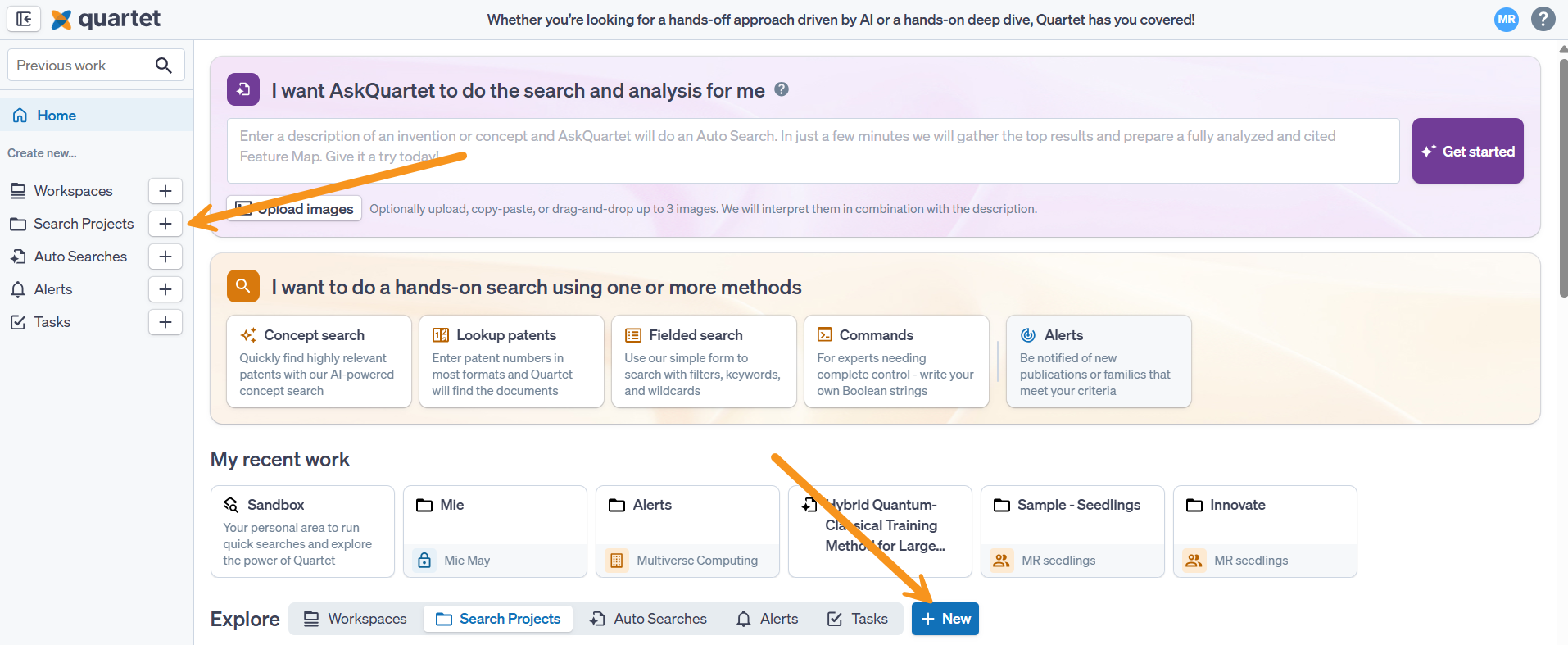
Navigating Workspaces and Projects
Under the My recent work section, is a list of workspaces or search projects, depending on the position of the toggle.
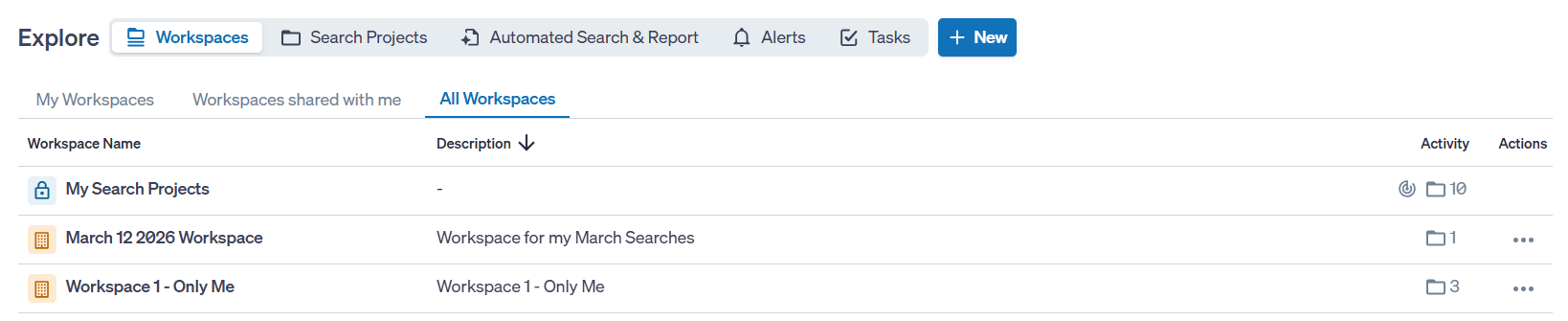
Change the number of workspaces/projects displayed per page via a drop-down menu at the bottom of the “Home” page. The drop-down menu gives options of viewing 10, 25, 50, or 100 projects per page. If there are multiple pages of projects, the pages may be cycled through by clicking the “Previous” and “Next” buttons, or by entering the desired page number in the box between the “Previous” and “Next.” Page selection options are not shown if there are 10 or fewer projects saved to a user profile.
Search Project Overview
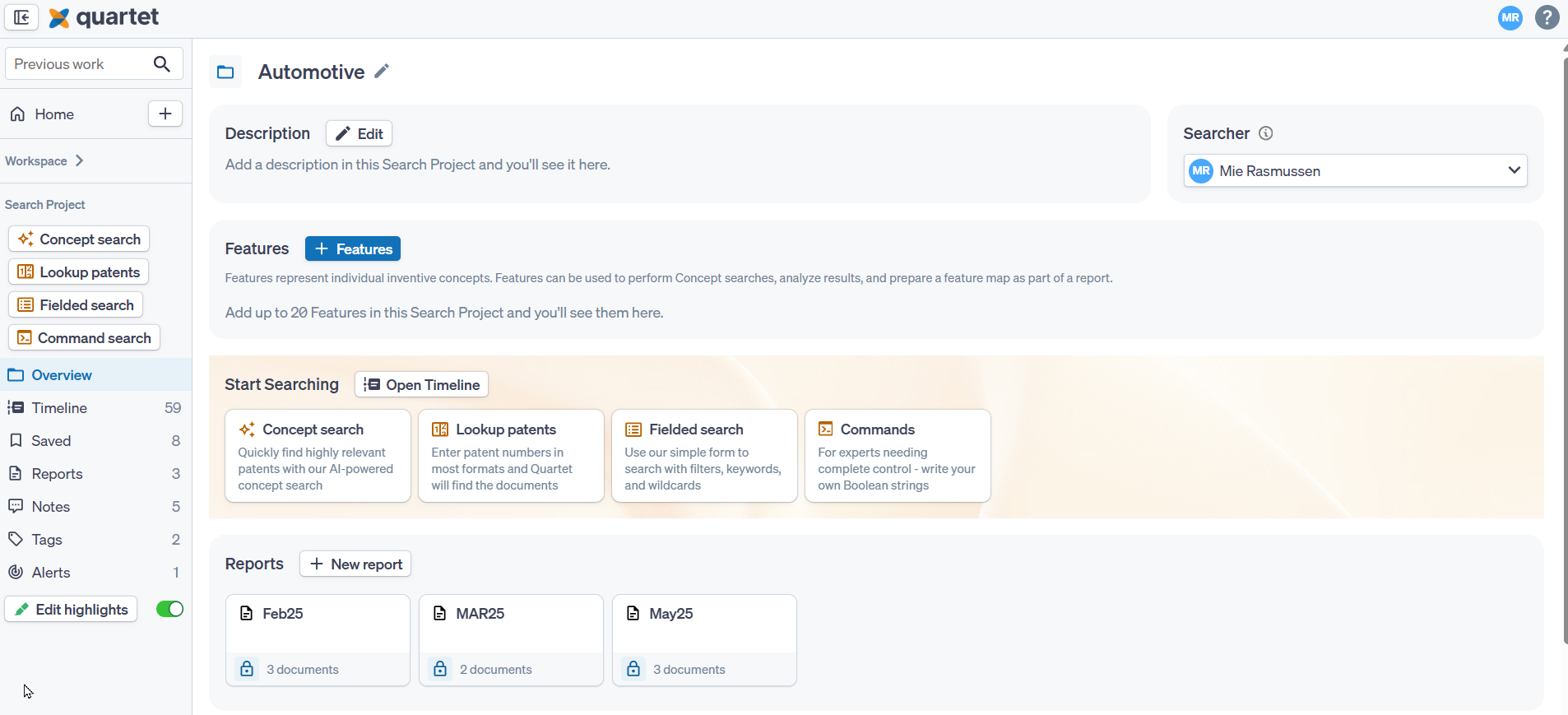
When entering a Search Project, an Overview page is available, from here it is possible to manage:
- The Search Project Description
- The Searcher on the project - note that the searcher needs to have access to the Workspace in which the Search Project sits
- Features
- Start running a search or open the Timeline - this can also be done via the navigation pane on the left
- Manage Reports
Search Project Features
Features break down a record into key inventive concepts, making it easier to review references.
Each individual Search Project can have up to 20 features assigned.
Features can be mapped to text, both using an automatic analysis and manual mapping. Records can also be added to a Report, where a Feature Map can be included.
For more information on Search Project Features, visit this article.