
Pop Out Windows
Quartet allows for tabs from the detailed view to be popped out into new windows to aid in review.
While in the detailed view, by hovering over any of the tabs, an option will appear to pop the tab out into a new window.
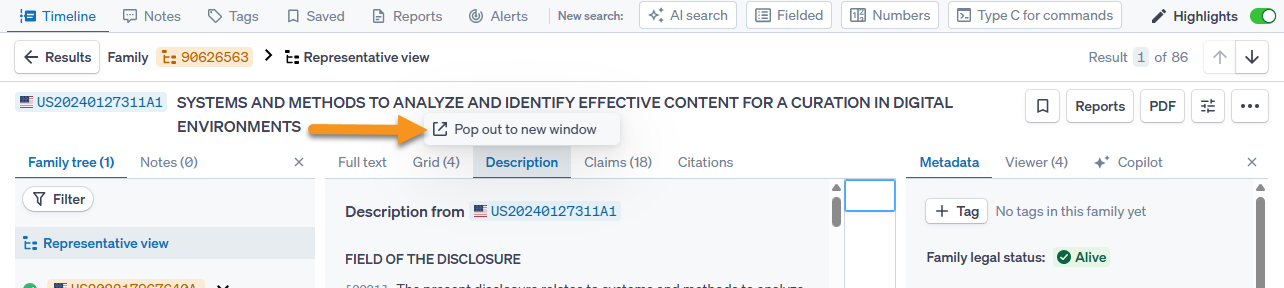
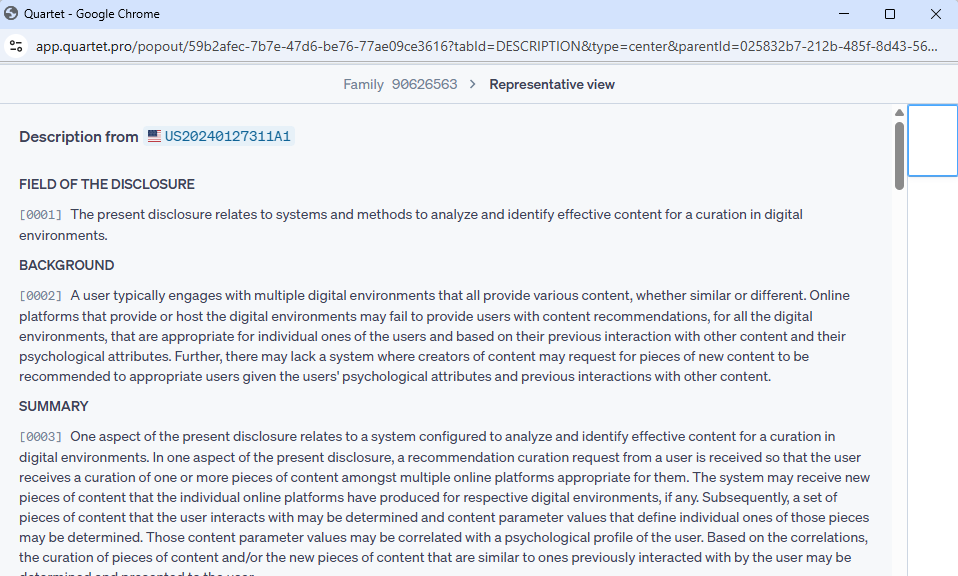
Clicking the window will pop the tab out into a new window.
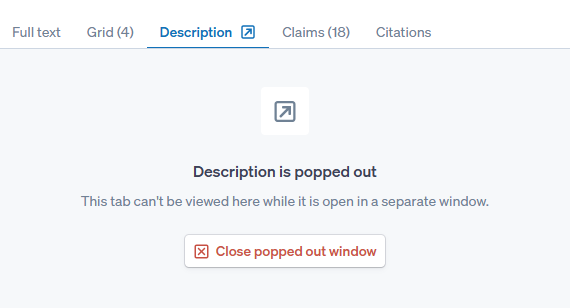
All tabs may be popped out to new windows simultaneously, and while popped out the tab left in the main window will show that the tab has been popped out, with an option to close the extra window from the main window. Closing the pop out window will also return the tab to the main window.
The new window will automatically update as you scroll through references in the detailed view, and the left and right arrows can be used to navigate through images in the window. Additionally, the new window is persistent and will stay up while navigating through other areas of Quartet such as the results view or the timeline. When entering detailed view again, the pop out window will automatically refresh to the new reference.