
AskQuartet
AskQuartet is located within the representative or individual publication view of a family:
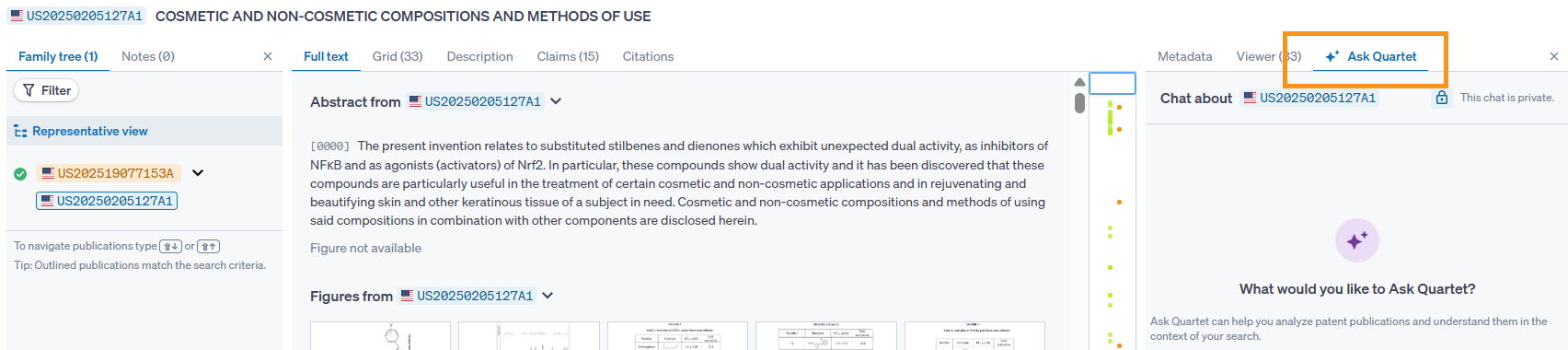
The display will show common prompts for AskQuartet. Additional prompts can be found overlaid in the answer section of the pane.
Some given prompts include summarizing the reference, asking to find a specific feature within the reference, and comparing this reference to another, known reference. However, the AI is flexible, so feel free to ask any analysis questions that may help.
AskQuartet can also be used to compare two references, to do so, simply ask it to compare and give an additional patent number.
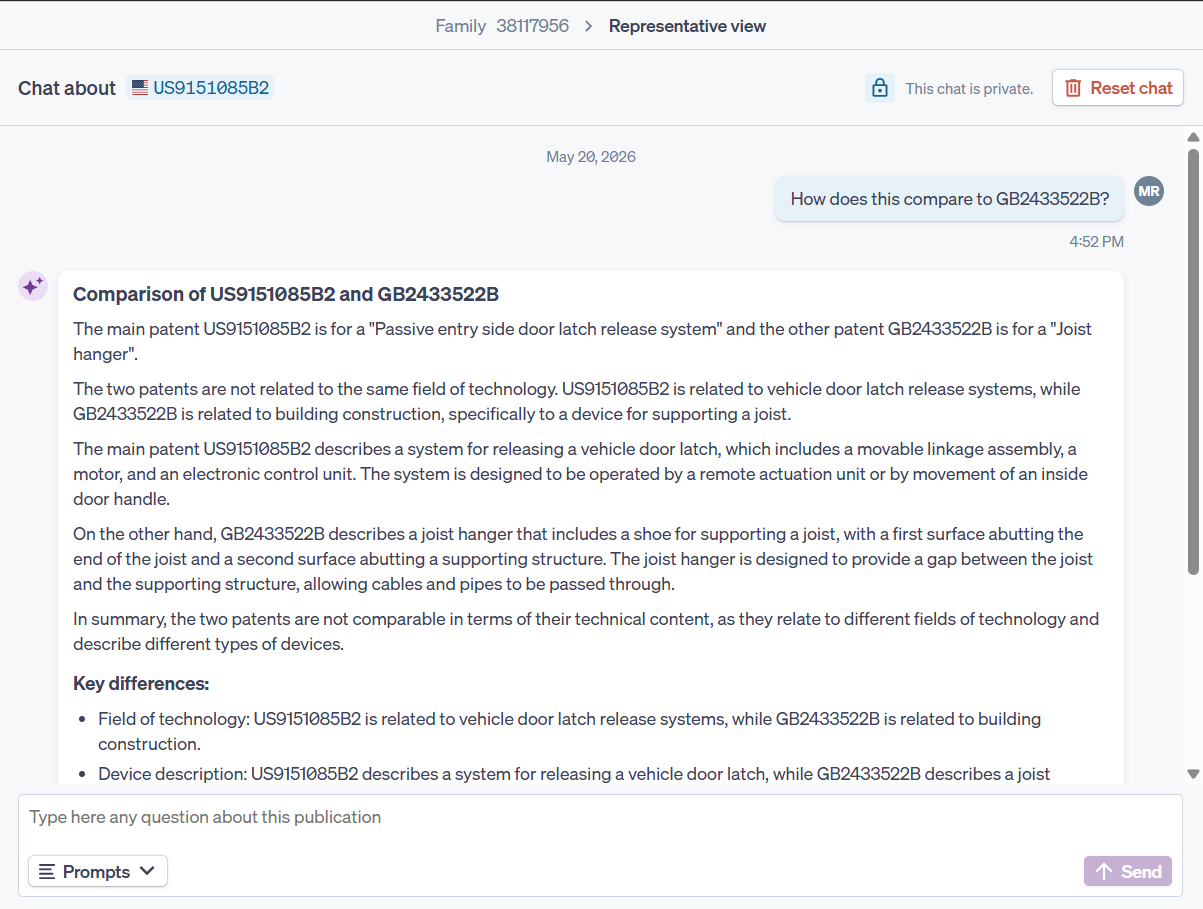
AskQuartet prompts which are run for references are saved for that reference within that project. This means that if a reference shows up within multiple strings in the timeline, any time that publication is accessed, the AskQuartet history will be visible.
Additionally, a button at the bottom of each chat allows the AskQuartet responses to be saved as a note for the document. Combining the note with the sharing ability of workspaces means that other users with access to the workspace will be able to read the AskQuartet responses you save as notes.
Please note that AskQuartet has been trained to answer patent related questions,